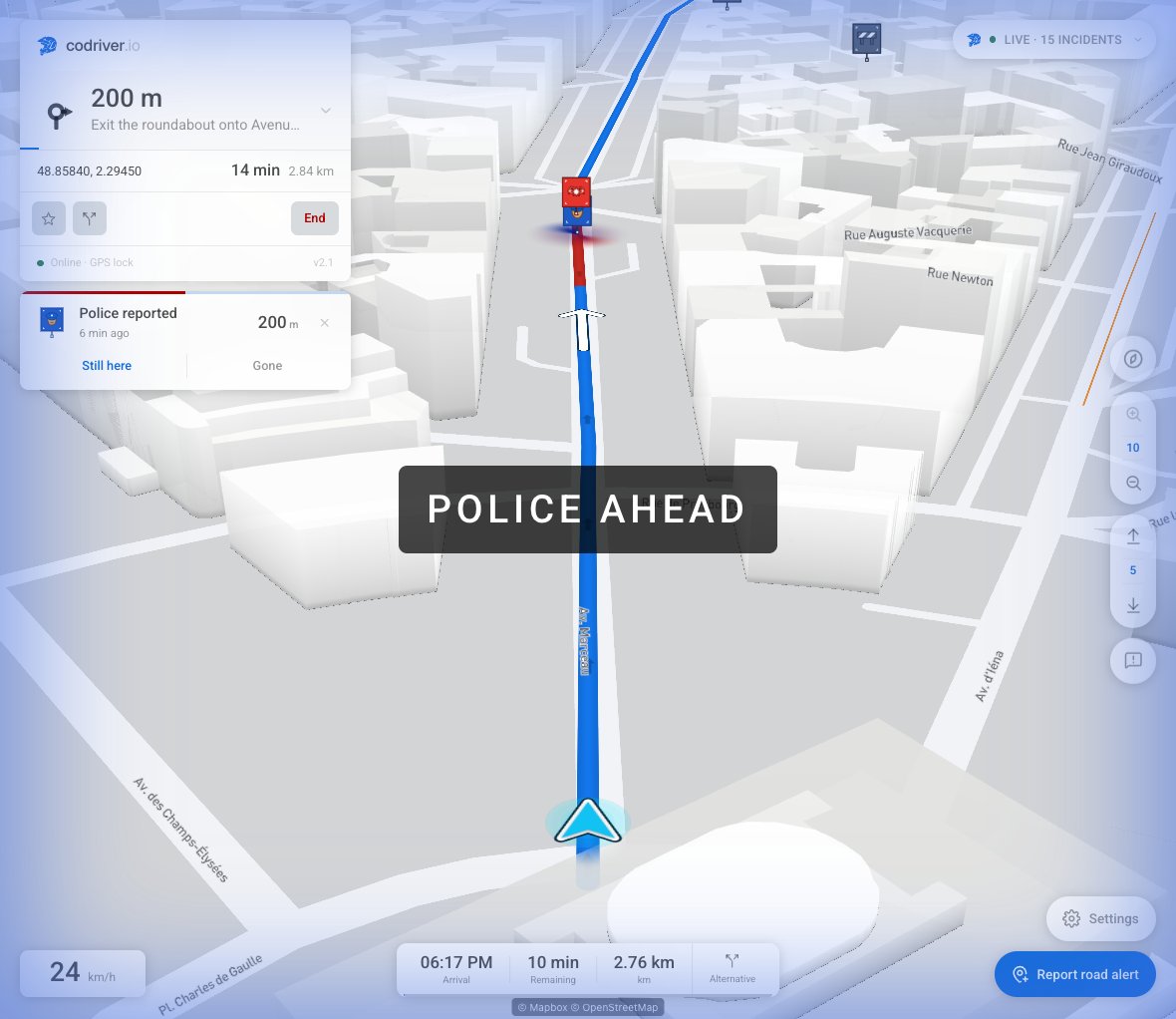
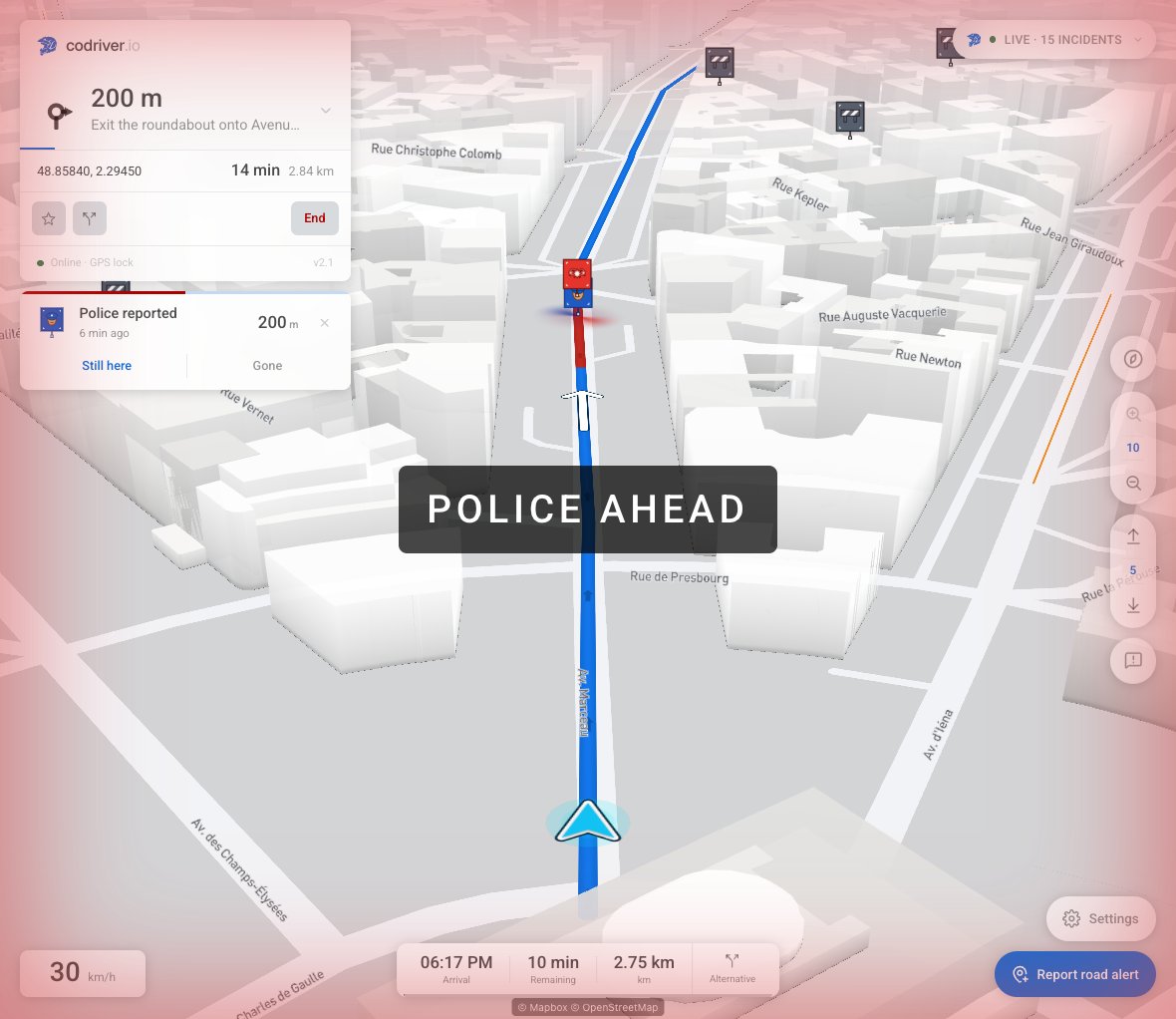
codriver 2.2: your car’s route, and everything clearer.
codriver can now follow the route your Tesla is actually driving, and point out a faster road before the junction where that road branches off. Traffic is live and crowd-reported, the map is built on OpenStreetMap, your Tesla sits in your Garage in 3D, badges are live, and codriver now speaks French: the driving app, its spoken guidance, your account and much of the site. The beta ends on 30 September; every feature stays free until then.
Your car’s route
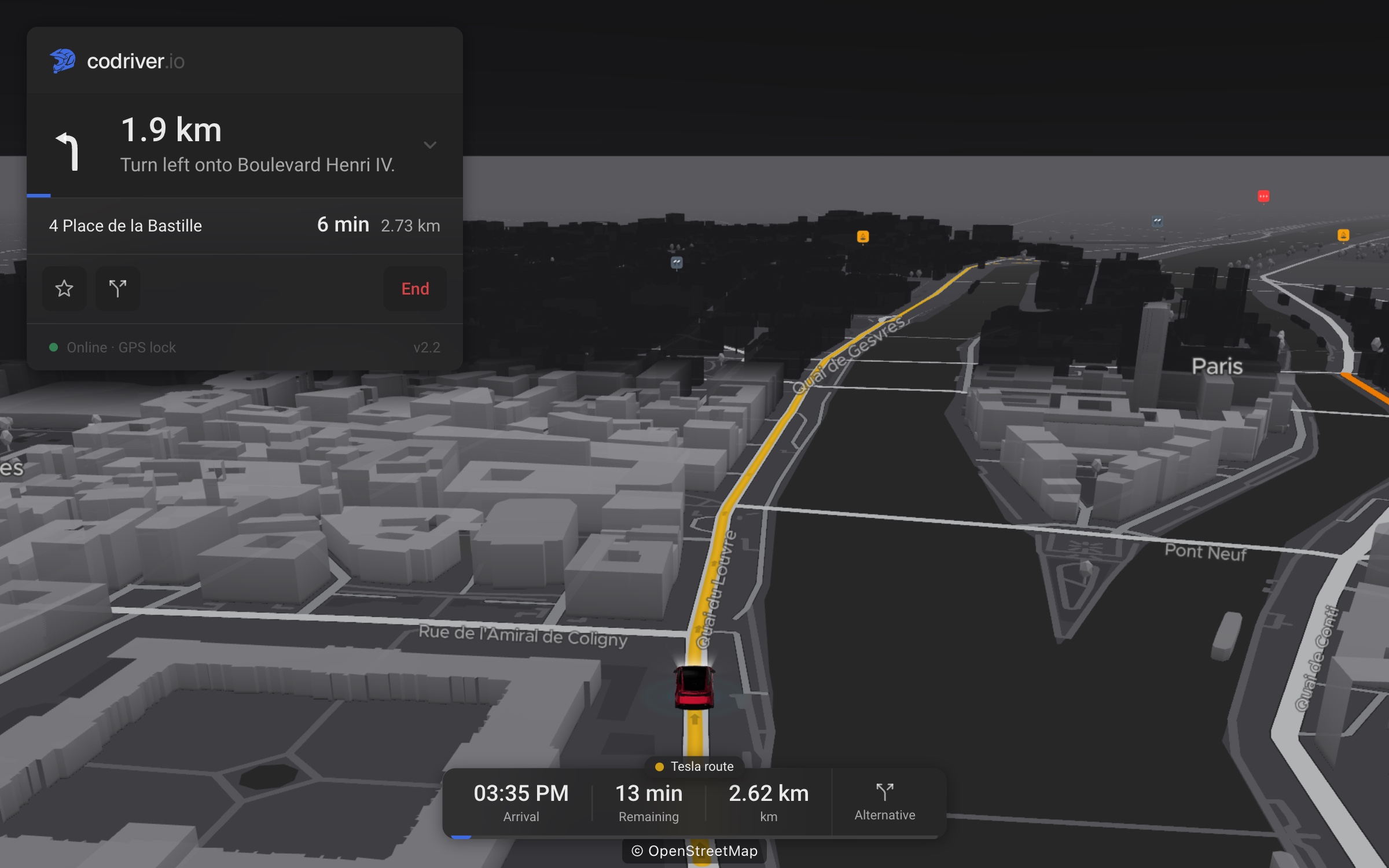
codriver follows the route your Tesla chose
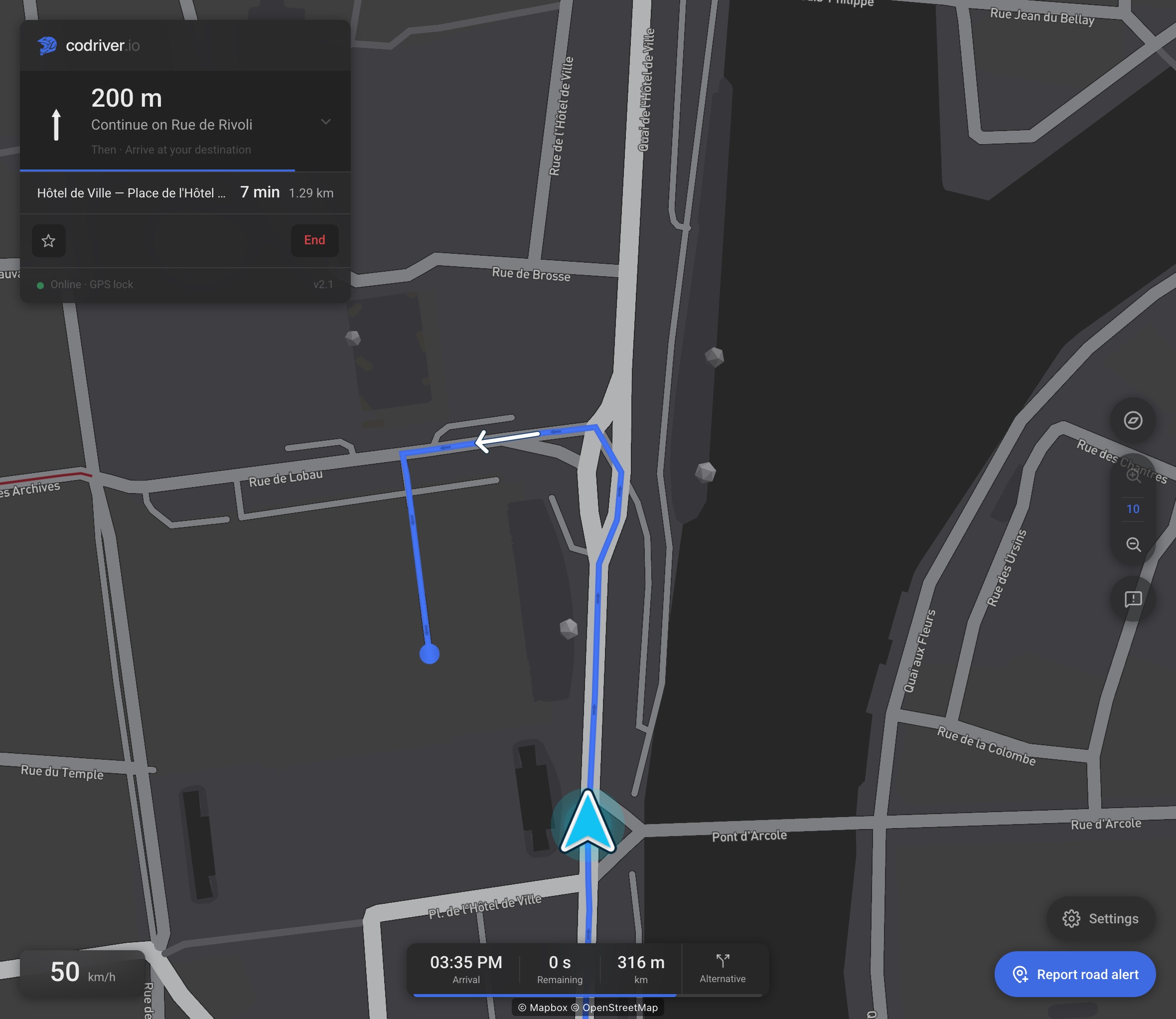
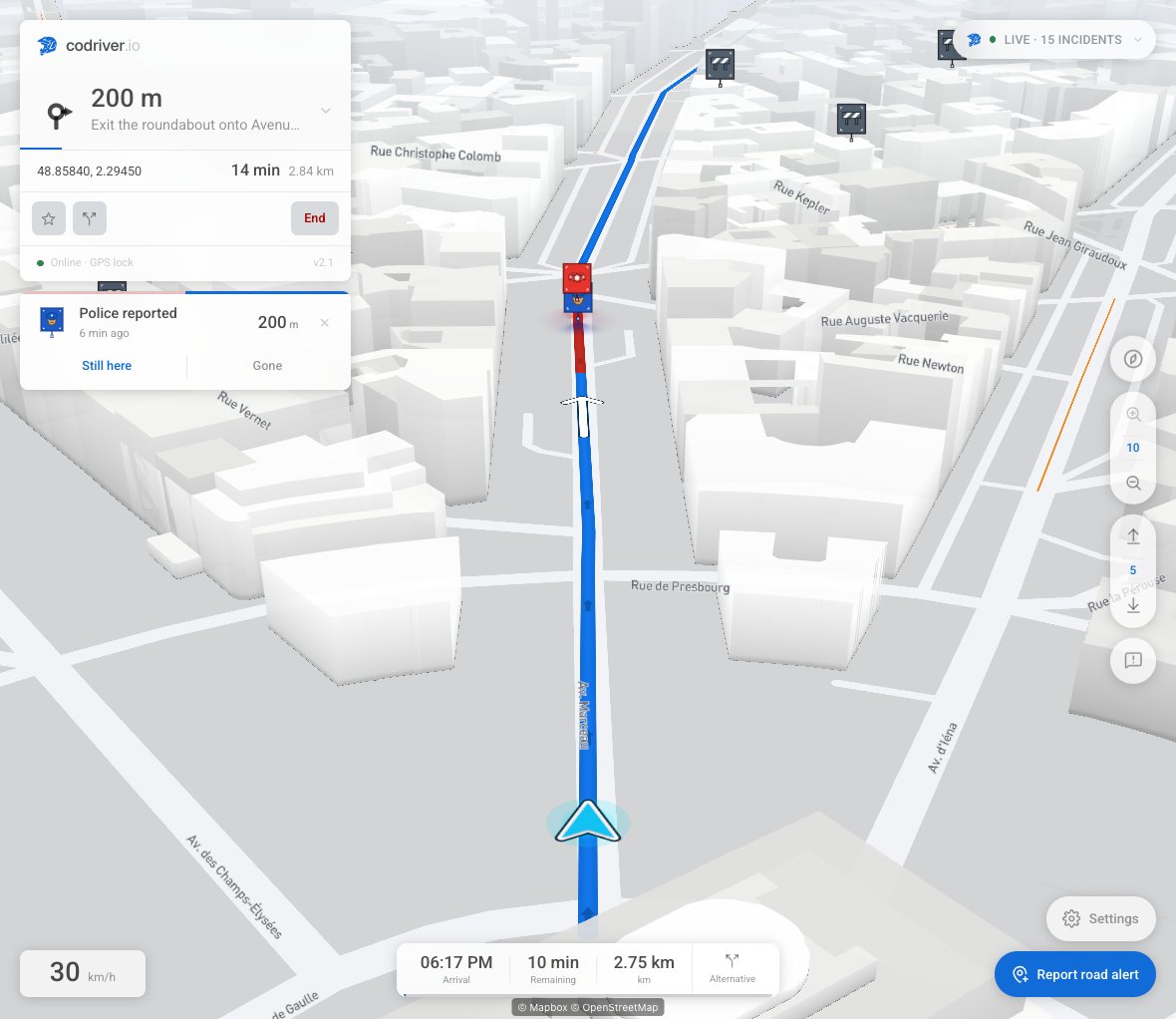
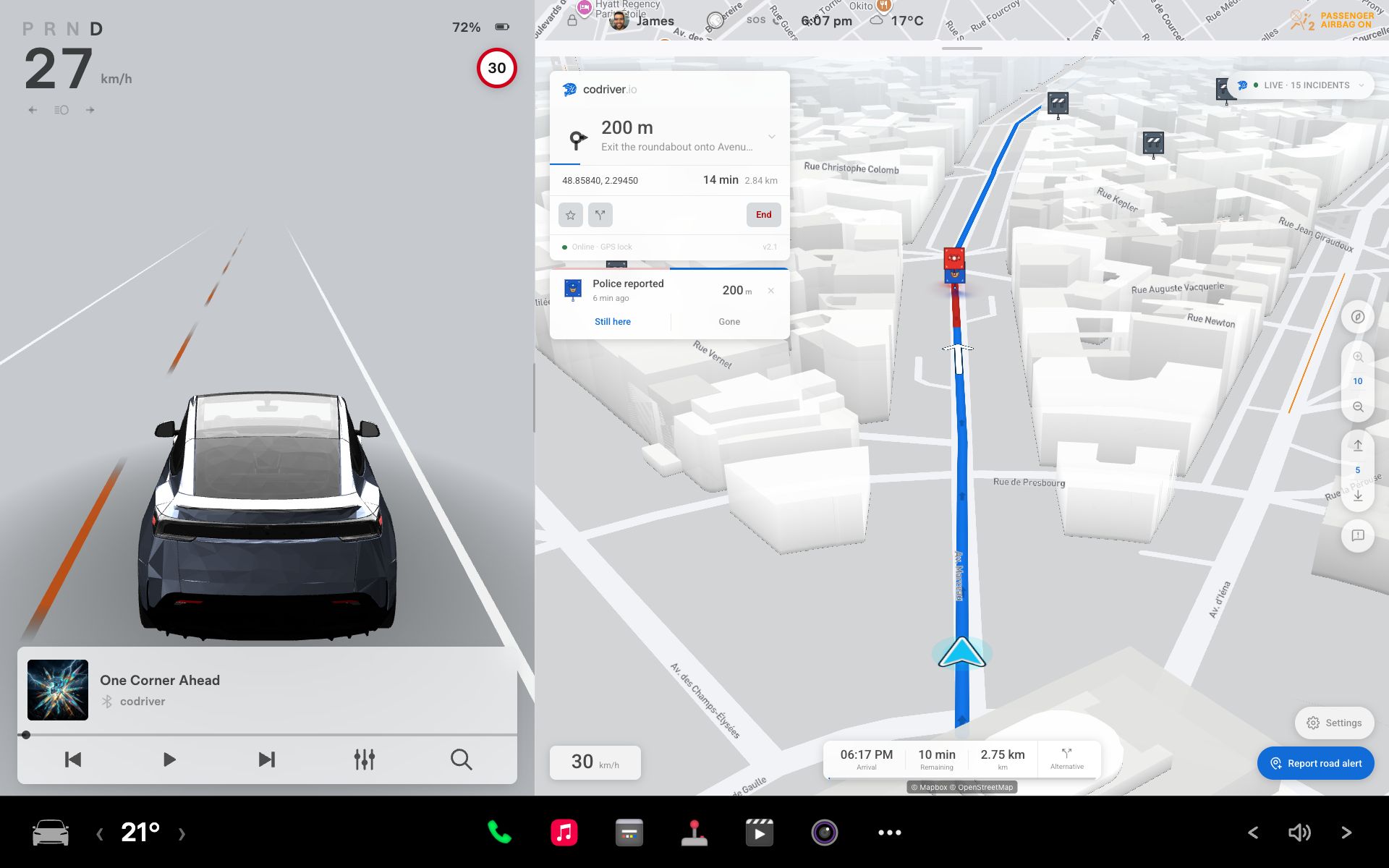
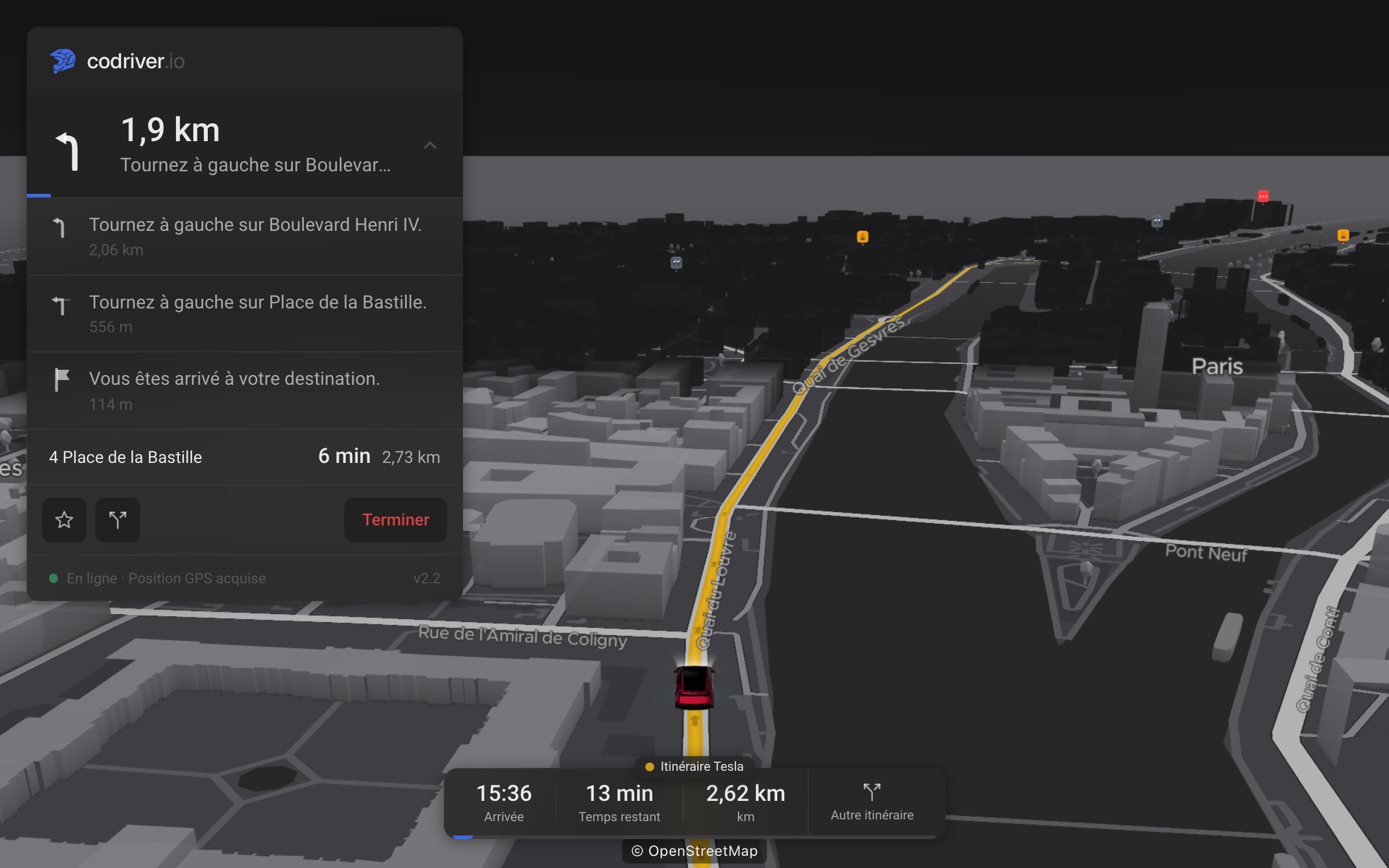
Your Tesla plans its own route, and until now codriver drew a different one. Turn on Car route from your account and codriver draws the line your car is driving, with its turns, its arrival time and spoken guidance, and keeps up when the car reroutes. If you let Autopilot or FSD (Supervised) follow Tesla’s navigation, the map shows the route Tesla’s navigation has planned. It is opt-in and comes with Premium, which is free during the beta.
Set it up once, on your phone
Tesla shares a car’s route only through Fleet Telemetry, which needs a virtual key, the same kind you would add for Tessie or TeslaMate. A four-step guide on your phone adds it, and the car picks the setting up the next time it connects. The key is used to read the route and nothing else: codriver cannot steer, brake, unlock, set a destination or wake your car. Turn it off from your account, or remove the key in the Tesla app, whenever you like. Tesla lets five apps read a car’s data at once, and an older car software version may need an update first.
A faster road, pointed out before the junction
The route advisor watches whichever route is on the map, yours or the car’s. When traffic makes another road faster by more than the threshold you choose, it draws that road in green where it branches off, says how many minutes it saves and, when there is one, names the reported incident it avoids. On the car’s route the card asks “On Autopilot? Disengage to take it.” It asks because codriver cannot tell whether Autopilot or FSD is engaged, and it never controls the car. The decision is yours: you are the driver. Take the road only when it is safe and legal to do so.
Map and traffic
Live, crowd-reported traffic
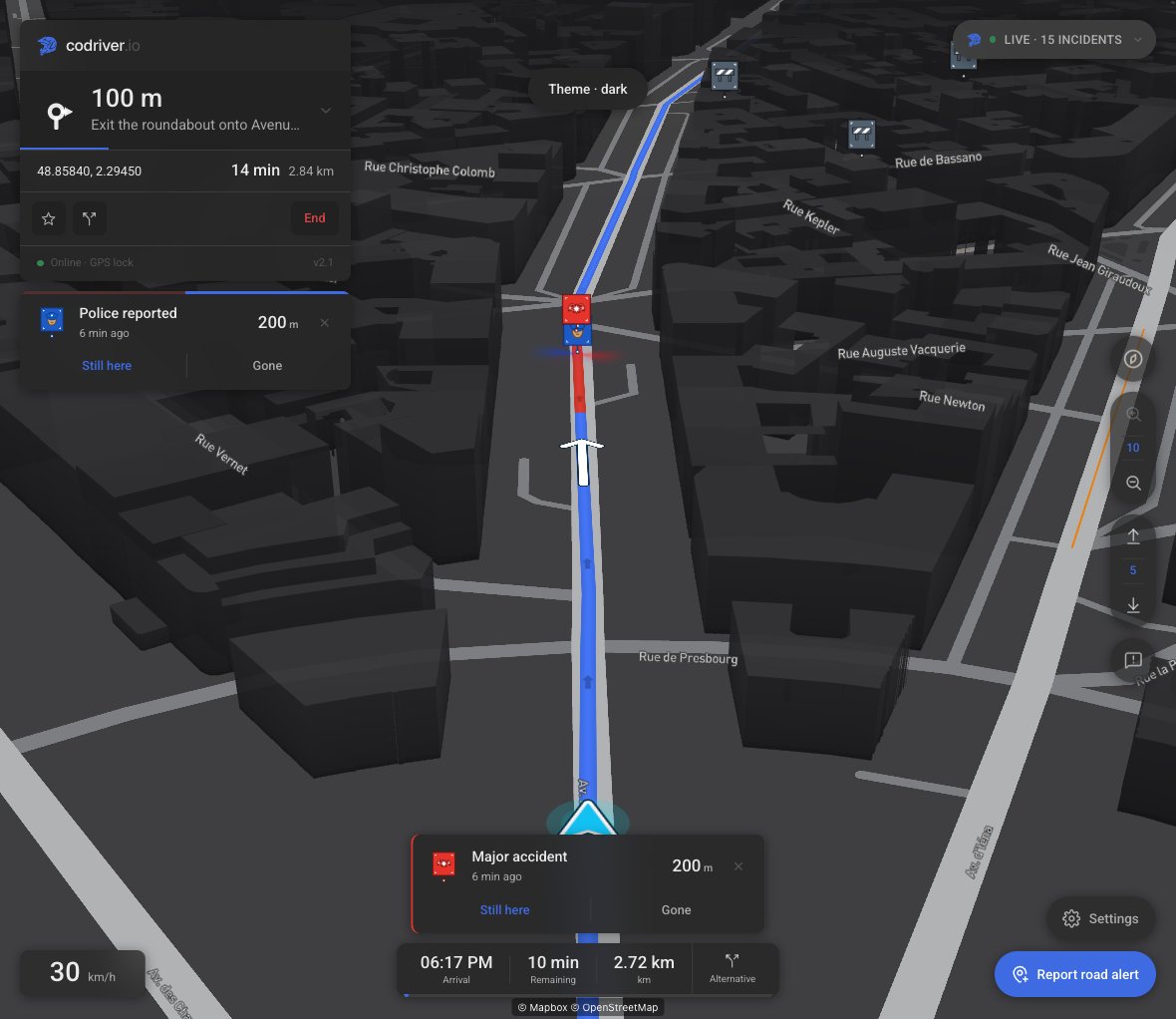
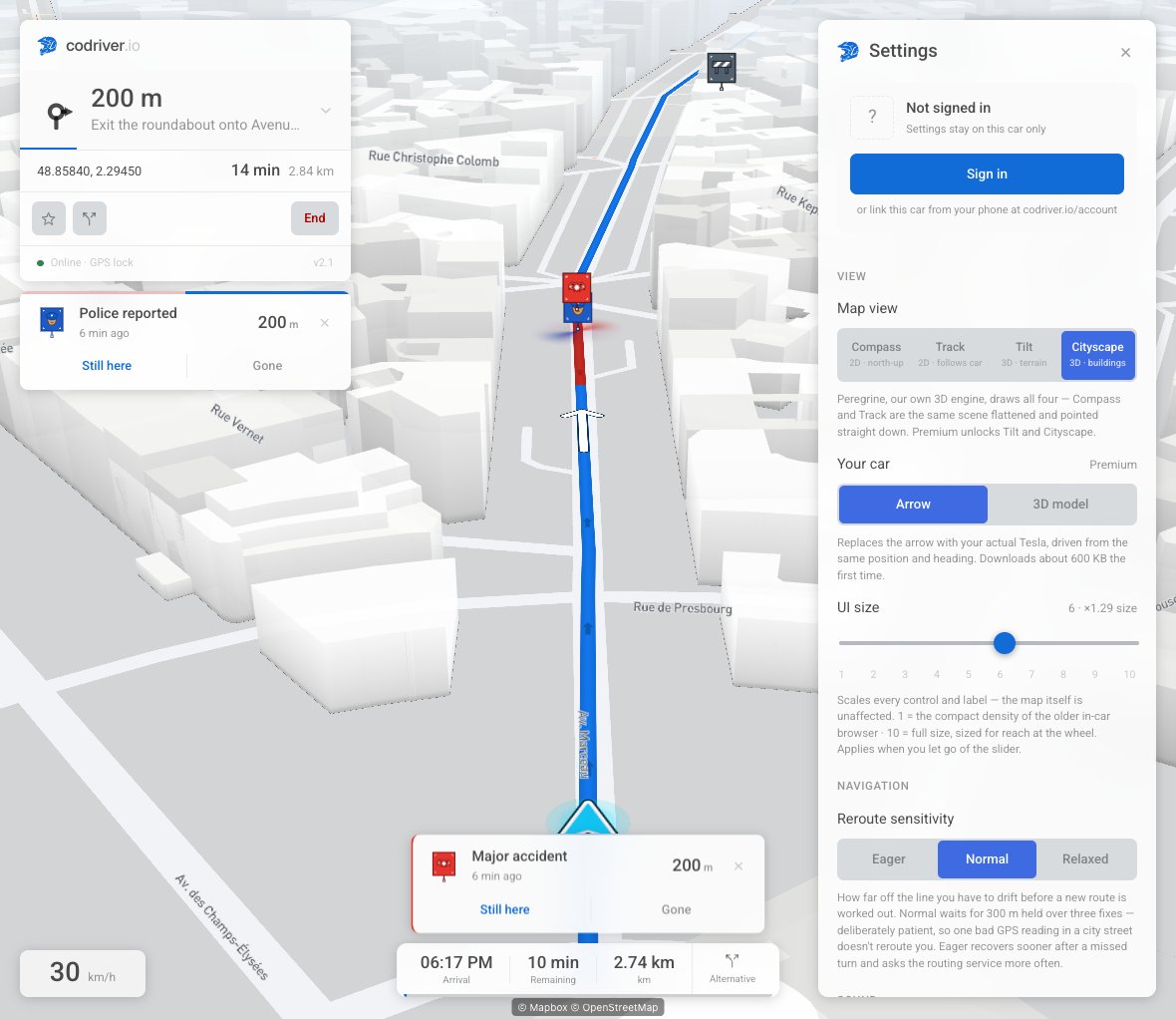
Congestion on the map and along your route now comes from live, crowd-reported traffic, in place of the Mapbox traffic layer. Each slow stretch is drawn along the road it is on, for the length it covers, and the colours line up with real speeds, so a dark red stretch is one you will be sitting in. The in-app sources panel credits the feed and shows how fresh it is. This has been rolling out through September and is live for everyone.
A map built on OpenStreetMap
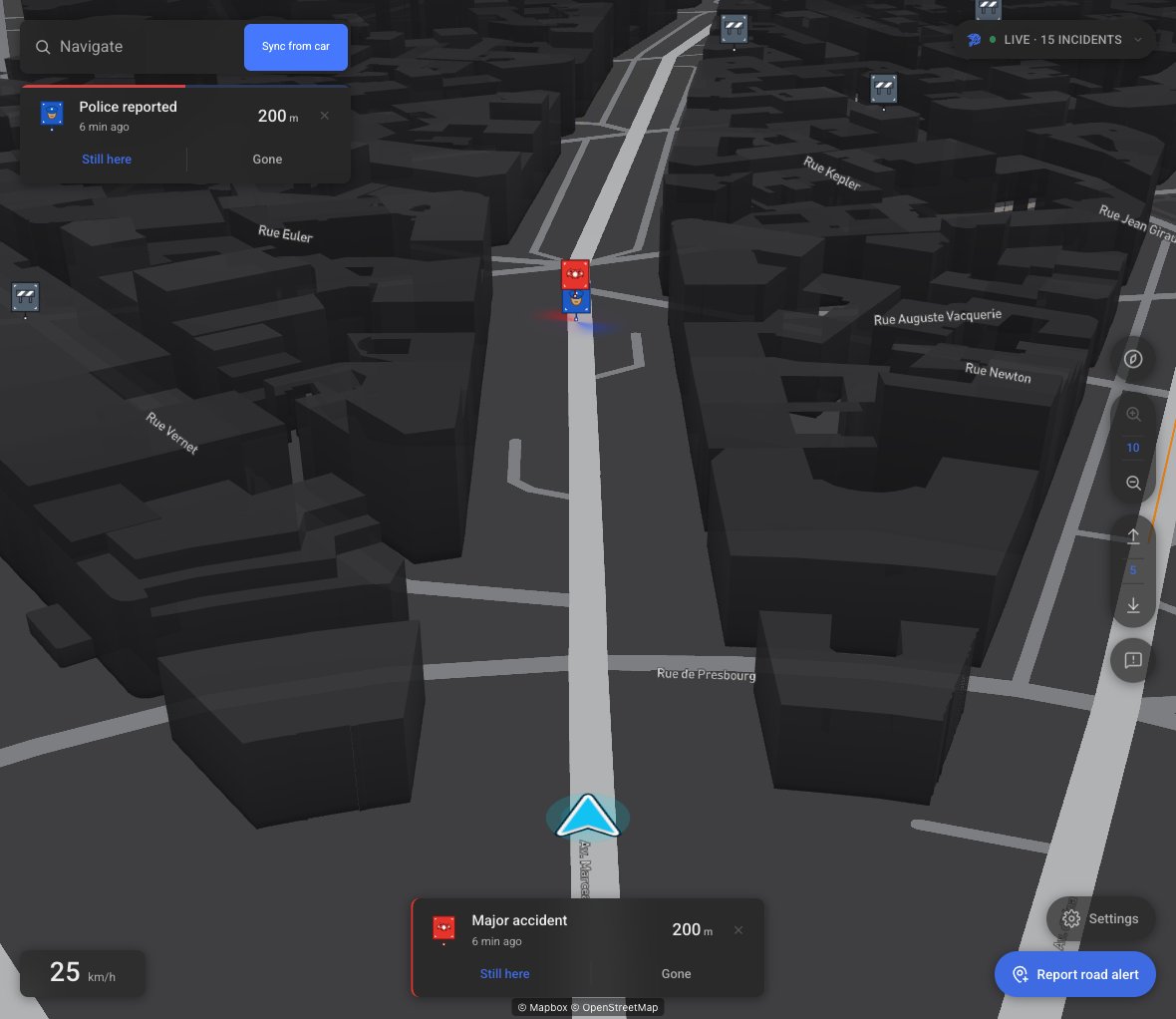
Every view, 2D and 3D, now draws from our own basemap tiles, built with Protomaps from OpenStreetMap data, instead of Mapbox’s. This is already live too. Mapbox still works behind the scenes, for example to match a route to the road it follows.
One position: the car’s
Your Tesla hands the browser its own estimate of where it is, worked out from the wheels, the steering and the satellites, the same one its own map uses. codriver used to second-guess it, which caused the random “GPS weak” at red lights and the small jumps afterwards. Now it simply trusts the car. The pill reads “Position estimated” while the satellite fix is out and “No GPS fix” only when nothing arrives for ten seconds on the move, and the speed shown is the car’s own number. On older Intel cars, which go quiet when the fix drops, the puck now pauses until it returns instead of guessing forward.
Your account
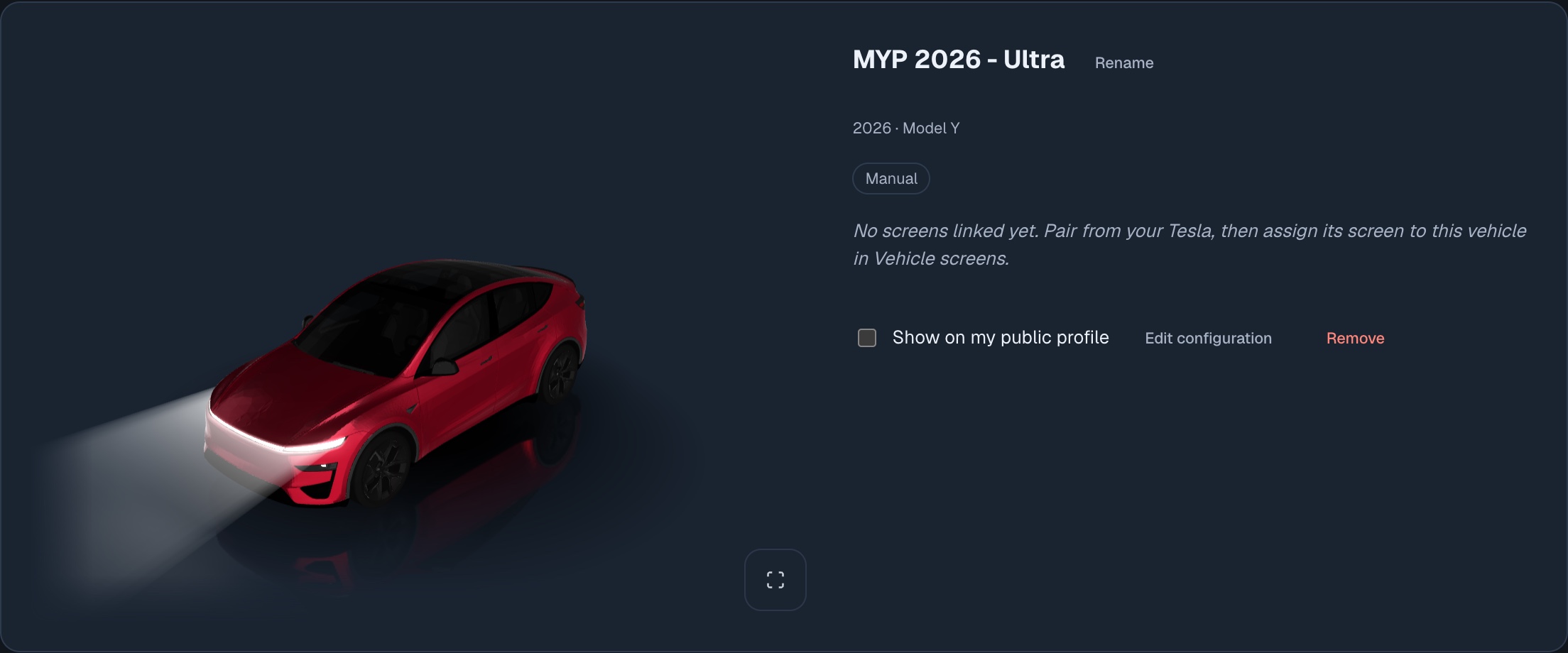
Your Tesla, in 3D
The Garage draws your car as a 3D model you can turn around: model, version, paint, wheels and, if you add one, your wrap. Connect your Tesla account and the configuration fills itself in; otherwise build it by hand. Show it on your public profile if you like.
Badges are live, with progress bars
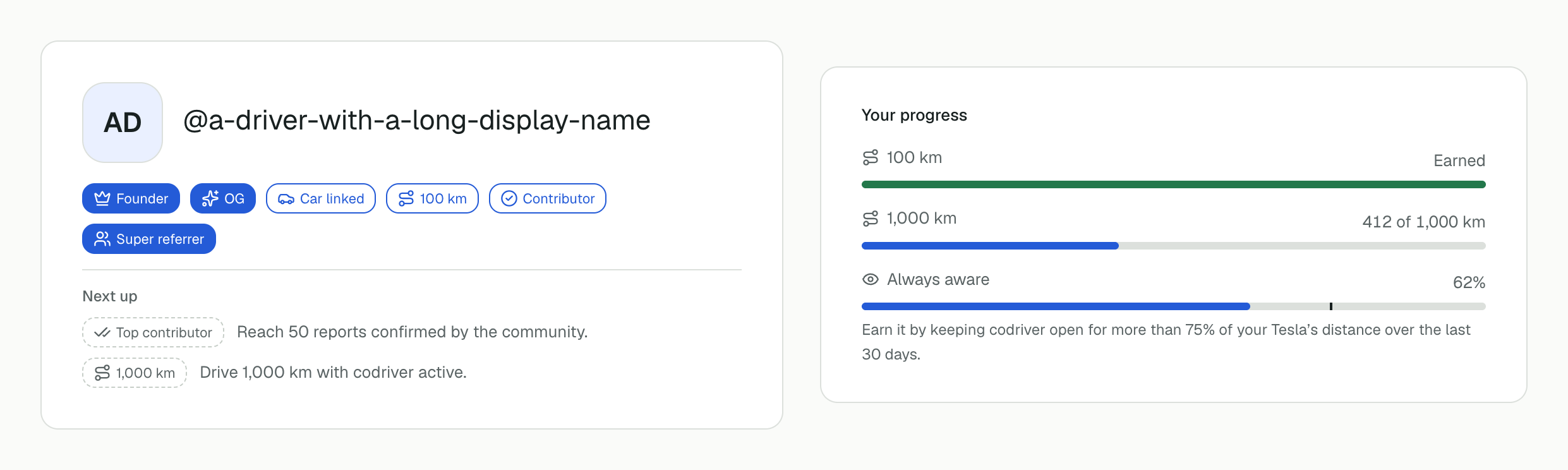
Your account and public profile now show what you have earned: OG for every account created before 1 October 2026 (no car needed), Founder, Car linked, Contributor and Top contributor for confirmed reports, Referrer and Super referrer, and distance milestones from 100 km if you opt in to sharing your usage. A Next up list shows what is within reach. In Settings, Usage badges shows a progress bar for each distance badge you have earned, for the next one, and for Always aware: keep codriver open for more than 75% of your Tesla’s distance over the last 30 days. Always aware reads your car’s odometer, so it needs “Your car’s route”, a Premium feature.
An account page that is easier to read
The account is grouped into Overview, Your Tesla, Plan & referrals and Settings. Setup steps reflect what actually matters, driving access and the Tesla screens you have paired, and never an optional Tesla connection.
In French
codriver now speaks French
2.2 is the first release with full support for a second language. Until now codriver was English only, apart from a handful of French pages that were hard to find. The driving app, its turn-by-turn instructions and spoken voice, your account, the setup screens and a large part of the public site are now in French, down to the screenshots, which show the French app. Pick your language from the menu at the bottom of any page. Spotted a clumsy translation? Tell us from Improve a translation in the footer.
Also in 2.2
The beta ends on 30 September
The beta runs until 30 September 2026 at 23:59 Eastern time, and every feature stays free until then. On 1 October, accounts on the free beta Premium move to the Free tier: codriver keeps working in your Tesla, without the Premium features. Paid plans are not affected. Thank you for driving with us through the beta.