Features
What codriver does on your Tesla screen.

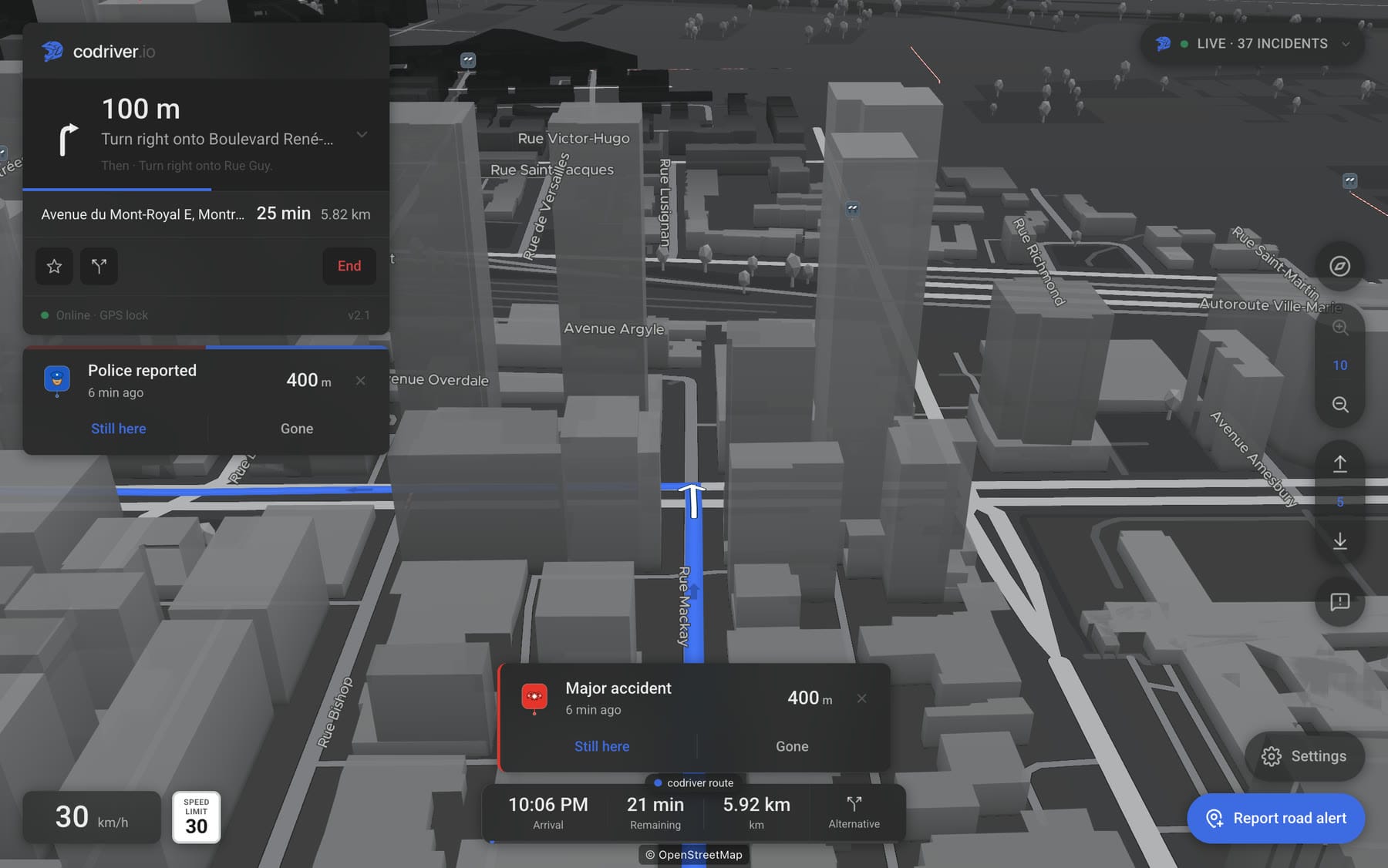
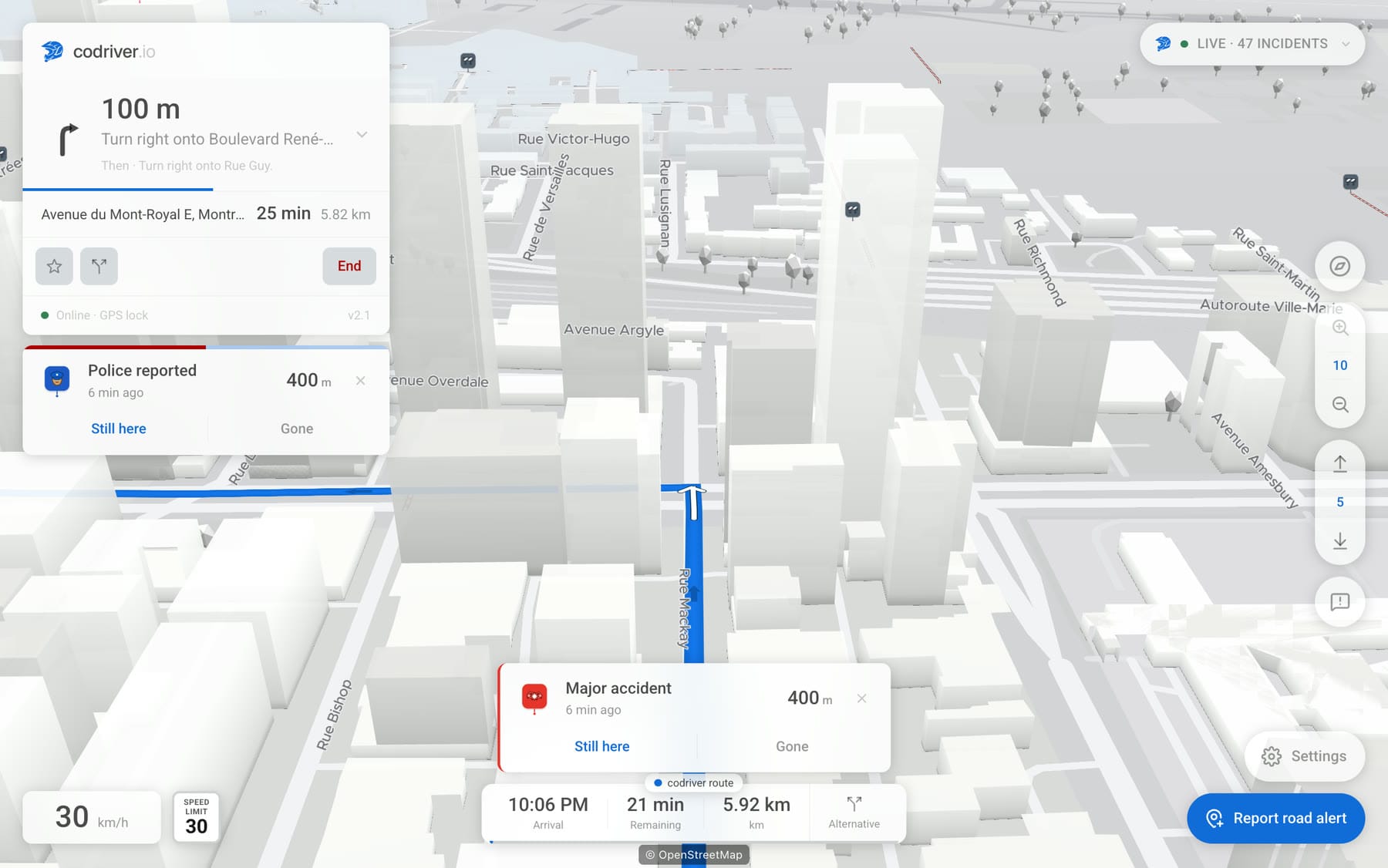
Community-owned · deep dive
Community alerts


Tap once on the Tesla screen to report a police trap, hazard or closure; position, heading and speed ride along automatically. Drivers behind you confirm or dispute it in a non-blocking toast. Three contribution paths, one consensus map, anti-grief by design.
See how the contribution layer works →
EV-native · deep dive
Charging networks in one layer
Filter supported charging networks the way an EV driver thinks: by connector compatibility, network, cost and power. Free includes Tesla plus one other network; Premium shows every supported network at once. Region-aware across North America, Europe and Australia/NZ.
See how the charger layer works →
Privacy-by-default · deep dive
Recent & saved destinations
Home and Work sync across every Tesla you pair; unlimited favorites and your recent list stay on the device unless you choose to sync. Save without an account, without typing: the label defaults to the address. Privacy is the default, not a setting.
See local vs synced →
Tesla-native · deep dive
Peregrine 3D map engine
Every public map engine is a generalist, and pays for that by rebuilding the world on every frame, which in a navigation view is every frame of the drive. So we wrote one for a single target. On a 2019 Model 3 the full 3D map runs at 25-35 fps, where the general-purpose engine codriver used before managed 10-15 drawing a flat map. Premium.
See why the frame rate changes everything →
Tesla-native · alpha · deep dive
Turn-by-turn (alpha)
codriver's own turn-by-turn, called like a rally co-driver's pace notes: maneuver arrows, distances, a live ETA, and a cost-aware reroute. It's early, and this page says so plainly. For charge-stop trip planning, pair it with ABRP.
See what works today →
Tesla-native · Premium · deep dive
Car route
codriver draws the route your Tesla's own navigation is driving, with its turns and arrival time, and points out a faster road before the junction. Made for FSD (Supervised), or if you simply prefer Tesla's directions. One virtual key, read-only: it never controls the car.
See how to set it up →
Tesla-native
Pace-note voice
A calm second voice from the right seat: distances over encouragement, no emoji, no nagging. Borrowed from rally co-driving: it tells you what's coming, then gets out of the way.
Hear the idea →
Tesla-native
Runs in the browser you already have
No app store, no CarPlay, no mount. Open codriver.io in the 17-inch browser, pair once with your phone, and it takes over the surface Tesla already ships. Anonymous by default, no ads ever. The map and its alerts open with no account; navigation asks you to pair.
How pairing works →
Wondering how it stacks up against what you use now? See how codriver compares to Waze, Tesla nav, Google Maps and ABRP. Want the hands-on version? How to show and filter charging networks walks through the map step by step, or read the developer docs to plug your own data feed into it.
On the screen
Both halves of it, in the car.


